
A small Node.js app behind nginx restarts for a second or two on every deploy. During that gap, nginx answers with its stock page: 502 Bad Gateway, white background, version string in the footer. Monitors read it as an outage, crawlers read it as an error, and anyone using the app reads it as "something broke".
The goal was modest: during a restart, serve a short page with 503 and a Retry-After header that reloads itself after a few seconds. Ten lines of nginx config. The vhost on this server is owned by a hosting control panel — a web UI that stores the nginx config for each site and writes it to disk when you click Save — so the ten lines went into the panel’s vhost editor.
It saved without complaint. The next restart served a 503 with an empty body.
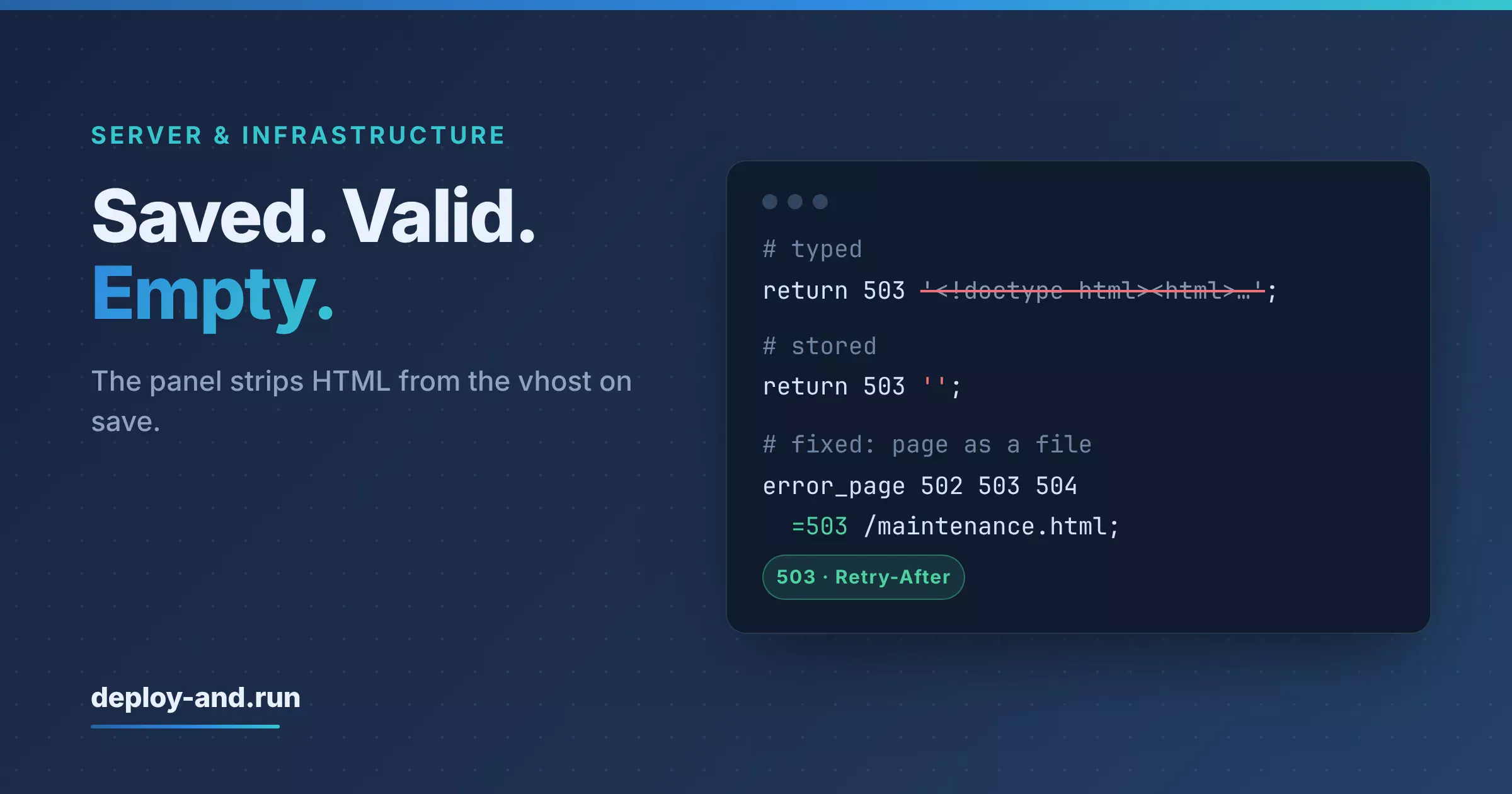
TL;DR: The panel strips HTML tags from the vhost on save. return 503 '<!doctype html>…'; was stored as return 503 ''; — still valid nginx, still a 503, and silently blank. A placeholder like <site> in a comment made the save fail outright with nginx’s unexpected end of file. The first written explanation ("the panel truncates at the first angle bracket") was wrong and had to be corrected. The robust version keeps the page in a root-owned file outside the app, maps 502 503 504 =503 to it via error_page, marks the location internal, adds Retry-After and Cache-Control: no-store with always, and contains no < or > anywhere in the vhost block.
What Was the First Version?
The obvious one. nginx can return a body directly, so the whole page went inline:
# first attempt — do not use behind a panel that sanitises the vhost
# (the page lives in the config: no file, and the nginx user
#  may not read /home/<site> anyway)
error_page 502 503 504 = @maintenance;

location @maintenance {
  internal;
  default_type text/html;
  add_header Retry-After 10 always;
  add_header Cache-Control "no-store" always;
  return 503 '<!doctype html><html><head><meta http-equiv="refresh" content="5">…</html>';
}
Code language: Nginx (nginx)
Self-contained, nothing to install on disk, survives every deploy because it isn’t part of the app — and it neatly sidesteps a permissions problem: the nginx worker user on this server can’t read inside the site user’s home directory, so a page file next to the app wasn’t an option. On a server where you edit /etc/nginx/ directly, this works.
Behind the panel, it saved, reloaded, and served a 503 with zero bytes of body. Monitoring was happy — 503 is what it was told to expect. The page itself was gone.
What Did the Panel Actually Do?
Two different symptoms, which turned out to be the same mechanism.
The inline page was emptied. Reading the vhost back from the panel showed:
return 503 '';
Code language: Nginx (nginx)
Everything between the quotes was gone — not truncated at a position, removed as markup. The panel sanitises the stored config by stripping HTML tags, presumably to protect its own web UI from whatever people paste into a text field. The result is still syntactically valid nginx, so the save succeeds and the reload succeeds. Nothing anywhere reports that the page you wrote no longer exists.
A comment broke the save. Look at the comment in the block above: it explains why the page is inline and mentions /home/<site>. With that placeholder in it, the block didn’t save at all. nginx’s config test rejected it with unexpected end of file — a message that sends you looking for a missing }, in a block where every brace is visibly balanced. What the panel had stored was no longer what was typed into it.
The first write-up of this blamed truncation: "the panel cuts the vhost at the first angle bracket, even in comments". It fitted the comment case and was written down quickly. It didn’t fit the empty-quotes case, where everything after the page survived intact. Comparing what was saved against what was typed, for both cases, gave the actual rule — tags are stripped — and the docs and config comments were corrected to say so. A wrong explanation that happens to produce the right workaround is still worth correcting; the next person will extend it to a case it doesn’t cover.
What Does the Robust Version Look Like?
Move every byte of HTML out of the vhost. The page becomes a file; the vhost only refers to it.
# Maintenance page instead of 502. No HTML and no angle brackets in this
# block, not even in comments: the panel strips tags on save.
error_page 502 503 504 =503 /maintenance.html;

location = /maintenance.html {
  internal;
  root /var/www/app-maintenance;
  add_header Retry-After 10 always;
  add_header Cache-Control "no-store" always;
}
Code language: Nginx (nginx)
Each line is doing something specific:
=503rewrites the status. Without it,error_page 502 … /maintenance.htmlserves the page with a 502 — the right body and the wrong signal. 503 plusRetry-Afteris what tells crawlers and monitors "temporary, come back".alwayson both headers. Without it, nginx only adds headers to 2xx and 3xx responses, so on exactly the responses this block exists for,Retry-Afterwould quietly be missing.Cache-Control: no-store, so no browser or intermediate cache keeps the maintenance page around after the app is back.internal, so/maintenance.htmlcan’t be requested directly from outside. It exists only as an error page.rootoutside the app. The page lives in/var/www/app-maintenance, root-owned, world-readable. Not in the release directory — a deploy that replaces the app shouldn’t be able to remove the page that covers for the deploy. And not under the site user’s home either: on this server the nginx worker user can’t read inside/home/<site>, which is a deliberate isolation between sites that a convenient path would quietly defeat.
Installation is two commands, and the page itself stays in the repository next to the config block:
sudo install -d -m 755 /var/www/app-maintenance
sudo install -m 644 deploy/maintenance.html /var/www/app-maintenance/maintenance.html
Code language: Bash (bash)
The page is deliberately boring: a heading, one sentence saying this usually takes seconds, a <meta http-equiv="refresh" content="5">, and one line asking people not to submit anything twice — because for an app that records transactions, "the page reloaded and I clicked again" is the expensive failure mode, not the two seconds of waiting.
How Was It Verified?
Not by waiting for the next deploy. The real vhost, as the panel had stored it, was loaded into a temporary nginx instance and checked for the things that matter — in essence:
curl -si http://127.0.0.1:8080/ | head -5
# HTTP/1.1 503 Service Temporarily Unavailable
# Retry-After: 10
# Cache-Control: no-store
curl -s http://127.0.0.1:8080/ | grep -c 'http-equiv="refresh"'   # the page body is there
curl -so /dev/null -w '%{http_code}\n' http://127.0.0.1:8080/maintenance.html   # 404: internal only
Code language: Bash (bash)
Testing the config as stored by the panel rather than as typed is the whole point. Every failure in this post was the difference between those two.
Is This Enough on Its Own?
It covers the server side of a short restart. Two other pieces make the gap actually invisible:
- A preflight before the switch, so a broken release never reaches the restart at all and the maintenance page only covers the planned second or two — that’s covered here.
- A frontend that tolerates it. The app’s API client retries reading requests twice, after 1.5 and 3 seconds, when it gets a 502/503/504 that isn’t a JSON response from the app itself. Writing requests are never retried automatically: they show "server is restarting" on 502/503 and, on 504, a hint to check whether the action went through before trying again. A gateway timeout means the request may well have been processed.
What’s the Generalizable Lesson Here?
- A config UI is not a text file. If a panel, a CMS field or an API owns your config, what’s stored may not be what you typed — read it back and diff it before trusting it.
- Sanitisers fail silently when the result is still valid.
return 503 '';passes every syntax check; only a look at the response body catches it. - Keep markup out of config entirely. Serve pages from files and let the config only point at them; it’s more robust behind any intermediary and easier to version.
error_page … =503andadd_header … alwaysare the two details that make a maintenance page correct rather than merely visible. Without them you get the right page with the wrong status, or the right status withoutRetry-After.- Put the page outside the app and outside per-site home directories. It must survive deploys, and the web server user must be able to read it without loosening site isolation.
- When an explanation turns out to be wrong, correct the docs even if the workaround still works. A wrong mental model will be extended to the next case, where it won’t.
- Test against the stored artefact in a throwaway instance. A temporary nginx with a dead upstream answers in seconds what the next production deploy would answer with an outage.